Step:1 Unzip commerce cloud installation package and have a look following structure.Open hybris directory.
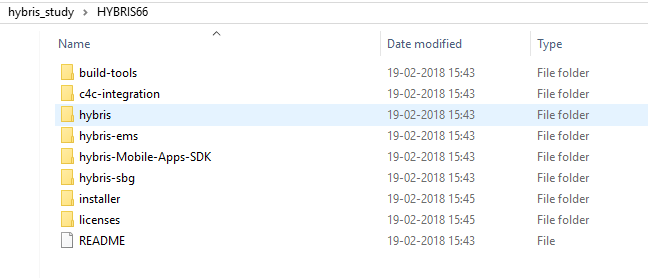
Step:2 Get bin folder in hybris directory

Step:3 See the structure inside bin. It contains all modules and extensions.it also contains platform.
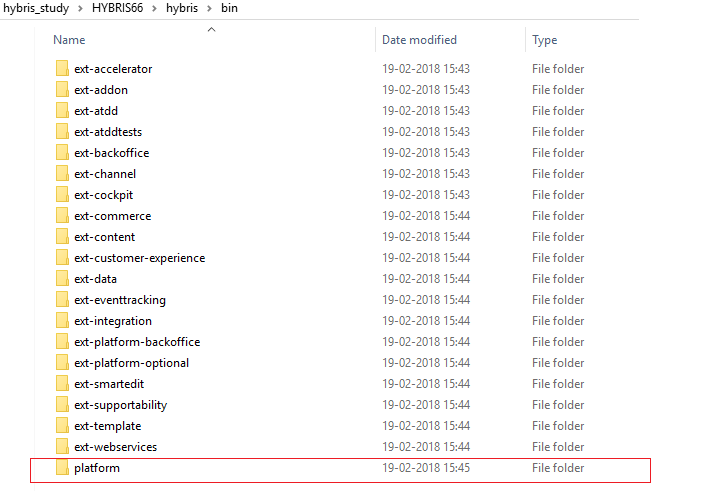
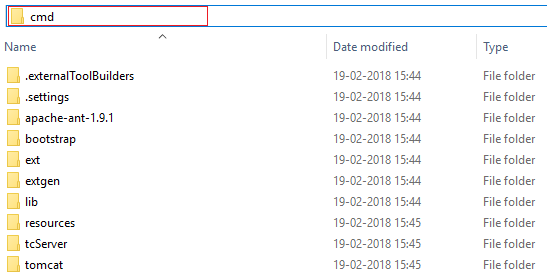
Step:4 Go inside platform

Step:5 open platform on command Prompt by typing cmd on address bar.
(You can also open the platform directly using cmd prompt.)
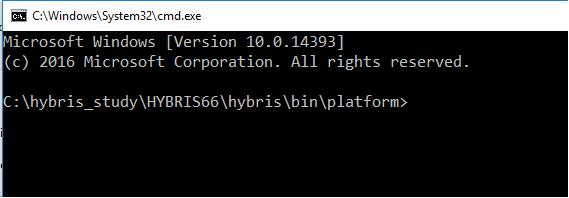
Step:5 cmd prompt with platform path will appear as given below:

Step:6 Run command :
setantenv.bat (for windows)
setantenv.sh(for linux)

Step:7 Run Command : ant clean all

Step:8 if it is first time installation , you will get following message:
**** NO Config Folder Found ****
Press Enter to use default value ,which is develop

Step:9 After sometime you will see BUILD SUCCESSFUL
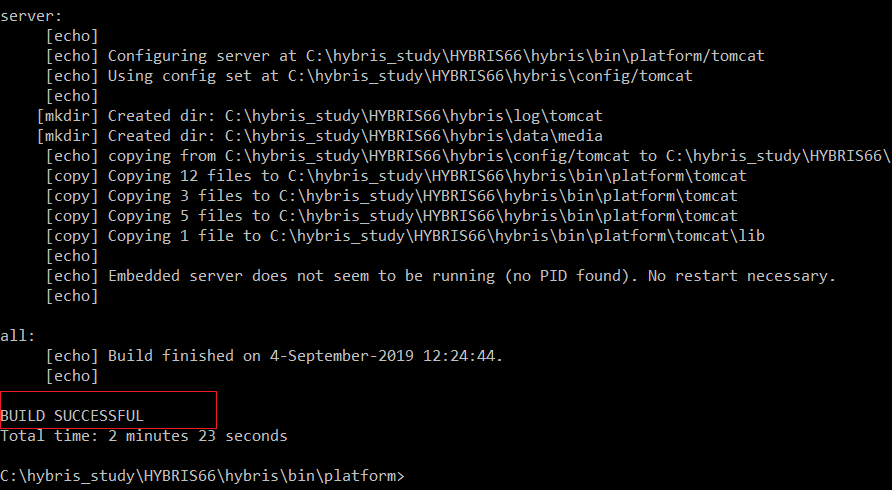
Step :10 After ant clean all it will generate following directory.

Step:11 lets go installer directory and run following recipe:
install.bat -r b2c_acc

Let it be done with BUILD SUCCESSFUL
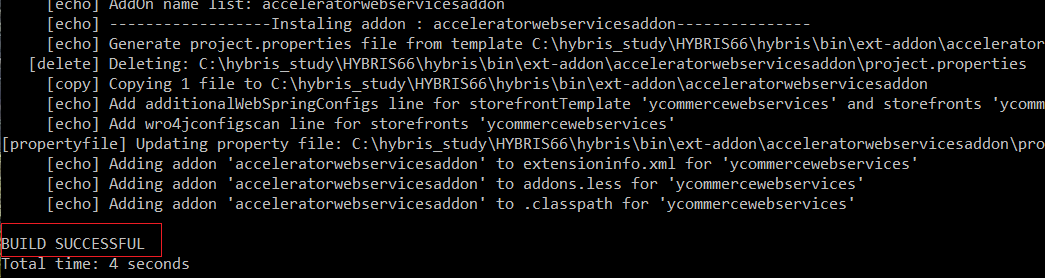
Step:12 Finally initialize the b2c webshop with following command:
install.bat -r b2c_acc initialize

Step:13 Once it is done then go back to platform and run Following Command:
hybrisserver.bat Or hybrisserver.bat debug